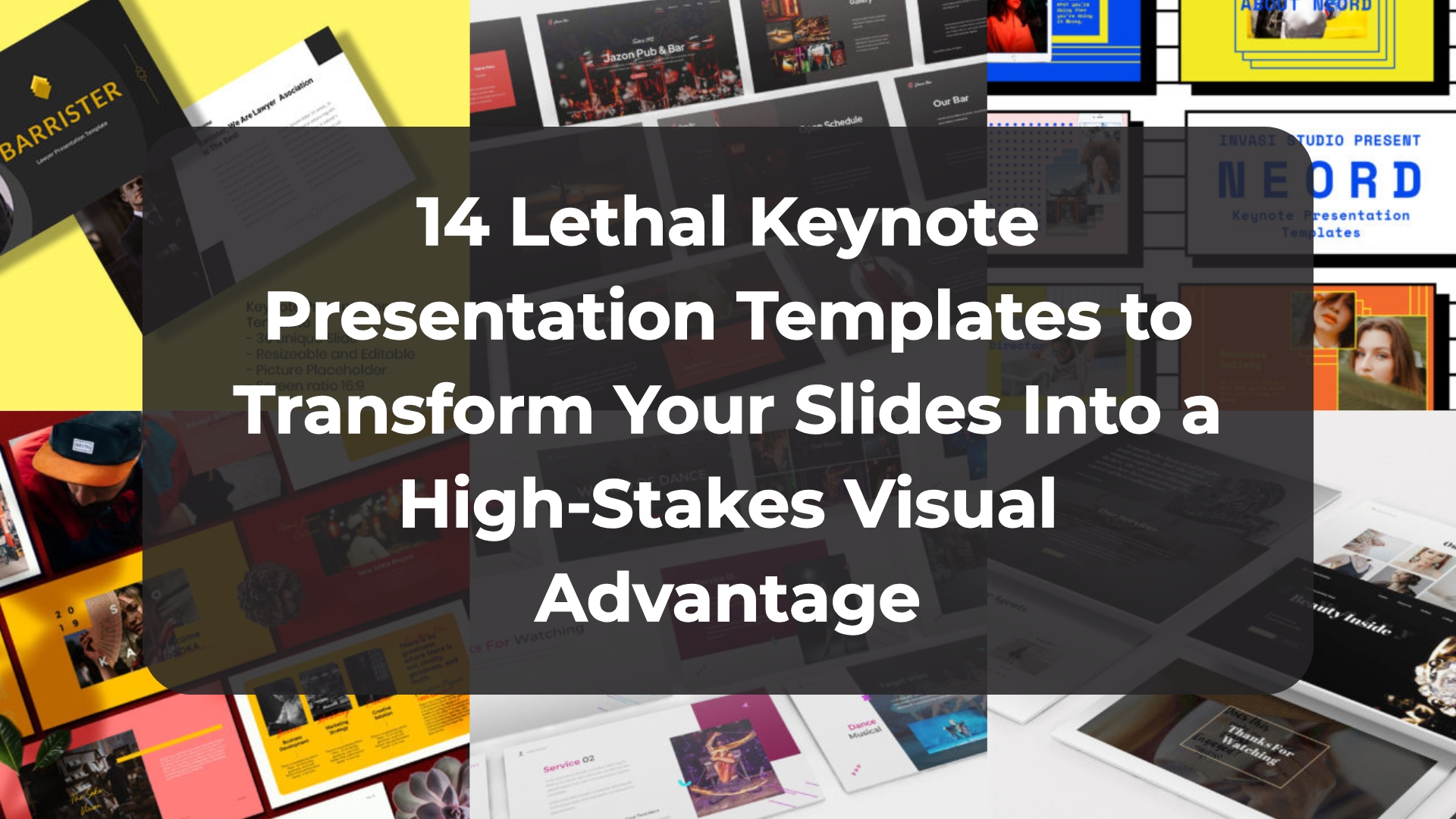
14 Lethal Keynote Presentation Templates to Transform Your Slides Into a High-Stakes Visual Advantage
There is a specific kind of “Keynote confidence” that comes from knowing your deck isn’t just a background—it’s a closer. If you’re strictly in the Apple ecosystem like I am, you know that while the software is elegant, the default themes can feel a bit… well, safe. As a designer, I need my work to have a pulse. I’ve curated these 14 essential kits to ensure you always have the perfect Keynote Presentation Template ready to go, whether you’re dropping a massive 400-slide report or a high-energy creative proposal. These aren’t just layouts; they are designed shortcuts to help you command the room and look like the most prepared person in the building.
1. Pub & Bar Keynote Presentation Template
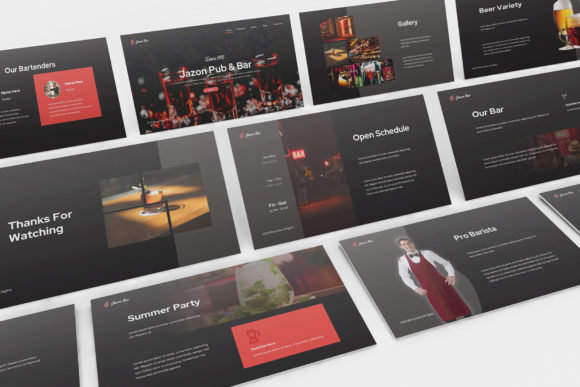
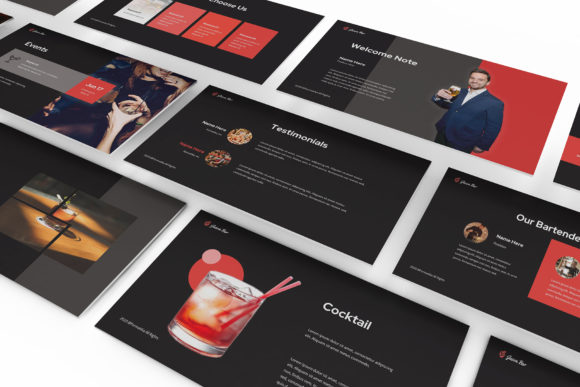
Sometimes your brand needs more than just a clean layout—it needs a pulse. I wanted to add this specific Keynote Presentation Template to the collection for those of you working in the hospitality and nightlife scene. If you’re pitching a new lounge concept or presenting a high-end bar brand, the dark, moody aesthetic and energetic color pops here are exactly what you need to set the right atmosphere before you even say “cheers.”
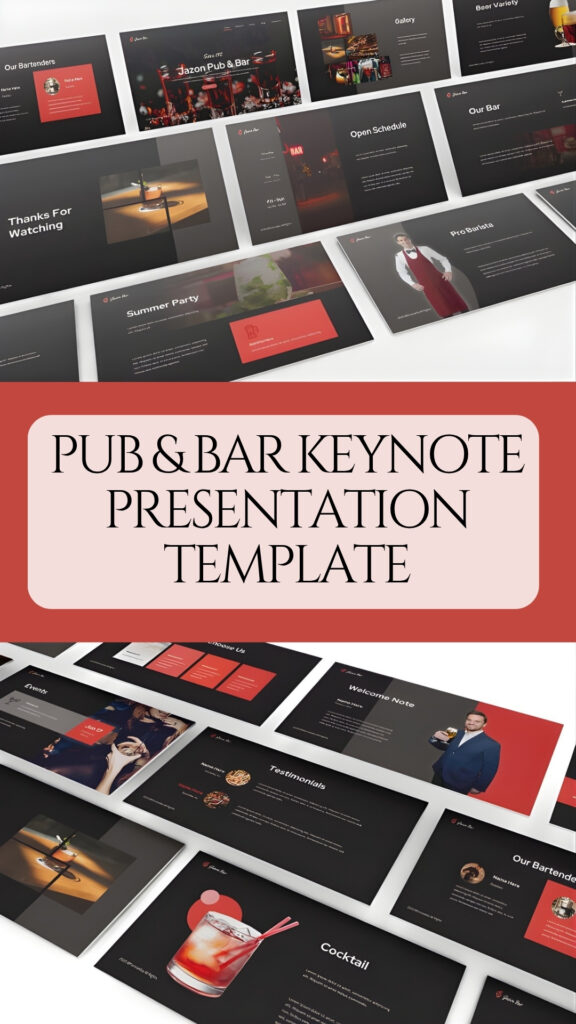
It’s a robust 30-slide kit built in Full HD (1920×1080), ensuring everything looks crisp on a big screen. I’ve made sure this Keynote Presentation Template includes fluid animations and transitions that keep the audience engaged without feeling over-the-top. Like my other picks, it uses only free fonts, so you can focus on dropping in your menu items and brand shots without any technical hurdles.
2. Dance Keynote Presentation Template
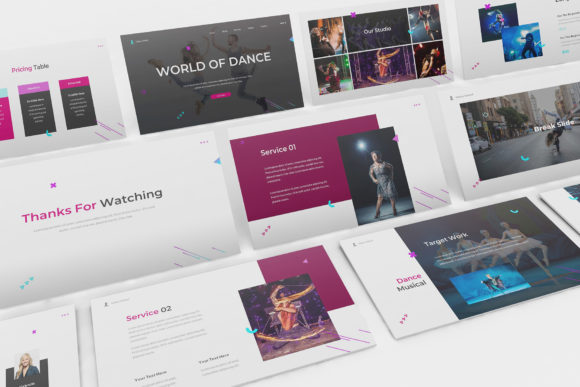
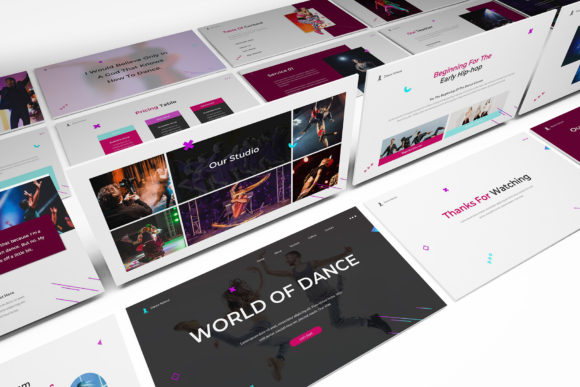
If your project is all about rhythm and movement, a static, gray layout just isn’t going to cut it. I added this Keynote Presentation Template to the collection specifically for those high-octane moments—whether you’re pitching a dance competition, a new studio opening, or a choreography event. The design is intentionally vibrant and energetic, ensuring your slides feel as alive as the performance you’re describing.
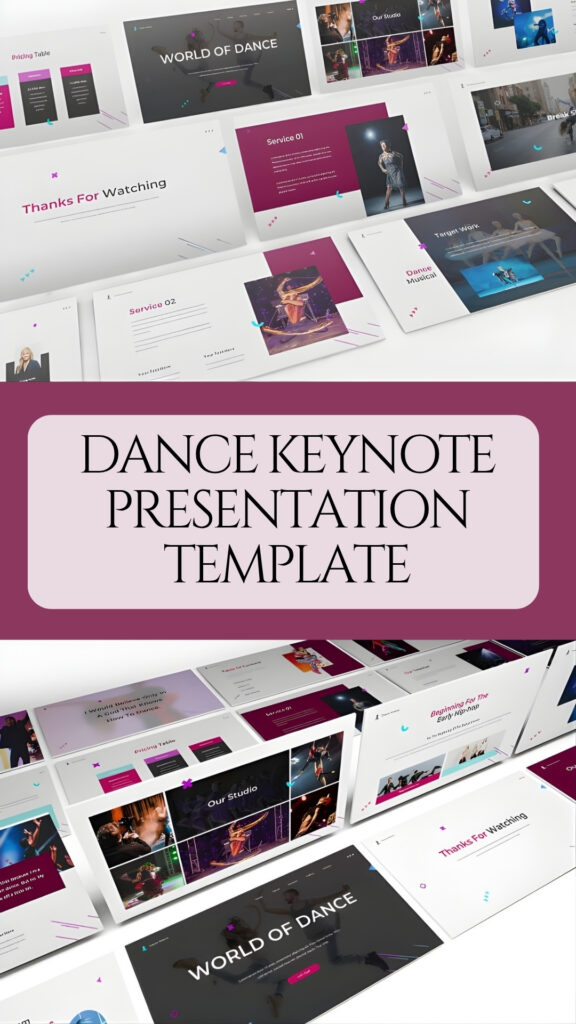
From a technical standpoint, this Keynote Presentation Template is built to impress on the big screen with 30 unique slides in Full HD (1920×1080). What really stands out to me are the built-in animations and transitions; they provide a fluid, professional motion that keeps your audience engaged from the first beat to the final bow. Everything is set up with free fonts and easy-to-edit layers, so you can swap in your own imagery and brand colors without missing a step.
3. Jewelry Shop Keynote Presentation Template
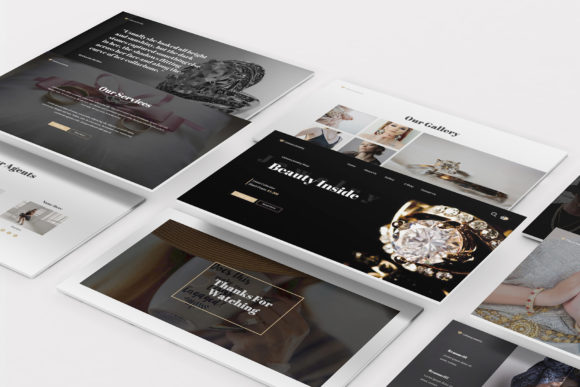
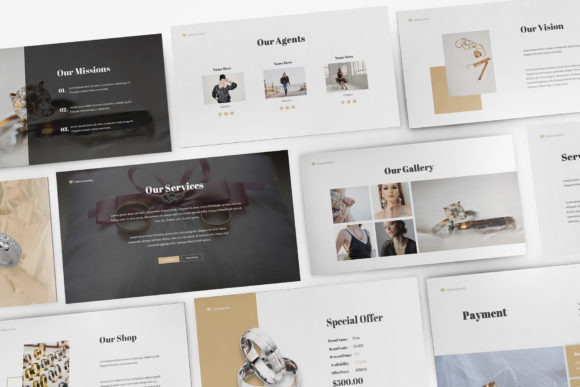
Luxury is all about the details, and if your slides look cheap, your brand does too. I’m really impressed with this Keynote Presentation Template specifically designed for jewelry shops and high-end boutiques. It uses a flat, minimalist concept to create a sophisticated digital storefront for your products, making sure your audience focuses on the “Beauty Inside” rather than a cluttered layout. It’s the perfect choice when you need that “expensive” feel without the effort of designing every frame from scratch.
From a technical standpoint, this Keynote Presentation Template offers 30 unique slides in crystal-clear Full HD (1920×1080). I’ve checked the animations and transitions, and they are smooth enough to match the elegance of a luxury brand without feeling jarring or over-the-top. Plus, with only free fonts included, you can start customizing your product gallery right away without any hidden costs or font licensing headaches.
4. Creative Keynote Presentation Template
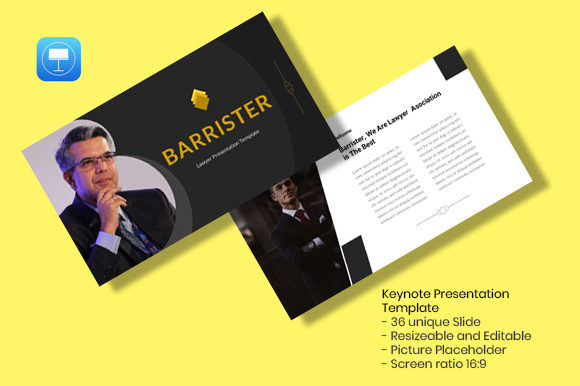
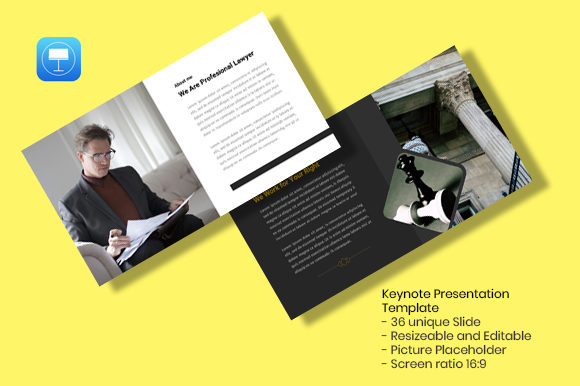
Building a reputation in any high-stakes industry, from law to creative management, requires a deck that commands attention the moment you hit the first slide. That’s why I’m featuring the “Barrister” set as a premier Keynote Presentation Template on the site today. It’s a sophisticated blend of bold typography and clean layouts, specifically designed for those who need to convey authority without sacrificing style.
Technically, this Keynote Presentation Template is a powerhouse for anyone looking to save time without compromising quality. You get 36 unique slides built on Master Slides, which makes the whole “drag and drop” experience incredibly seamless. All the graphics are fully resizable and editable in a 16:9 widescreen ratio, and I’ve ensured it uses recommended free web fonts so your typography stays sharp across any device. Whether you’re presenting a company profile or a personal portfolio, this file is a refined shortcut to looking polished and prepared.
5. Neord Keynote Presentation Template
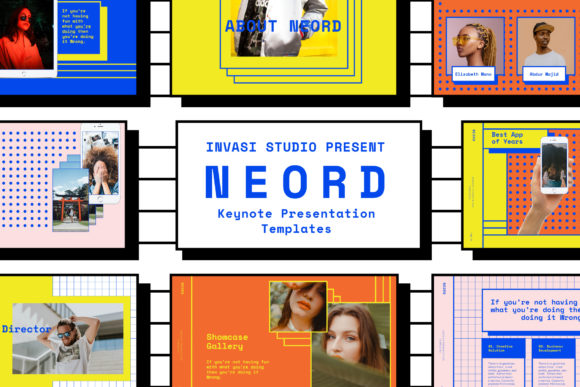
If you’re tired of the same old corporate blue and want to inject some serious personality into your slides, it’s time to embrace a bit of retro chaos. I’m currently obsessed with the Neord Keynote Presentation Template because it pulls directly from that bold Memphis Design and 90s aesthetic that’s making a massive comeback. It is vibrant, loud, and unapologetically modern—the perfect choice for a creative studio or a brand that wants to stand out in a sea of beige.
Technically, this Keynote Presentation Template is a total beast, featuring over 75 Master Slides that are completely drag-and-drop ready. One of the biggest wins here is the sheer volume of “extras” included, from 37 device mockups to a pack of 100+ vector icons. I’ve found the animated transitions to be incredibly smooth, giving the whole deck a high-end, interactive feel. Since everything is built with placeholders, you can overhaul the entire look in just a few clicks, making it a massive shortcut for anyone who wants their presentation to look like a custom-designed piece of art.
6. Soka Keynote Presentation Template
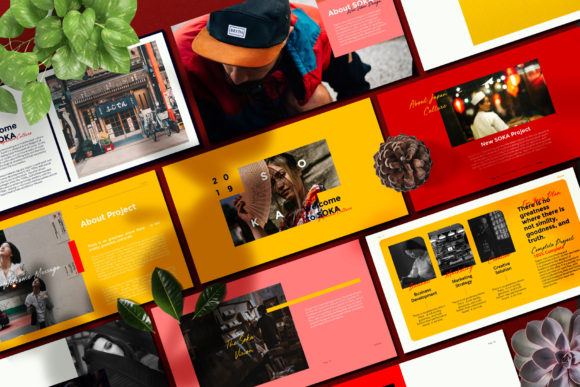

I’ve always found that some of the most compelling design inspiration comes from the clean, intentional lines of Japanese culture. That’s why I had to include “Soka”—a Keynote Presentation Template that feels incredibly fresh and modern. If you’re looking to break away from the usual corporate look, this toolkit offers a unique aesthetic that’s both high-impact and artfully balanced, making it a perfect addition to my collection of digital resources.
Technically, this Keynote Presentation Template is a massive shortcut for anyone who needs to build a professional deck fast. It features over 75 Master Slides that are completely drag-and-drop ready, so you can swap in your own imagery and text without breaking the layout. I’ve found the animated transitions to be particularly smooth, giving the slides a cinematic flow that really holds an audience’s attention. Plus, with 37 device mockups and a 100+ vector icon pack included, you have all the assets you need to create a high-quality brand presentation in just a few clicks.
7. Business Strategy Keynote Presentation Template
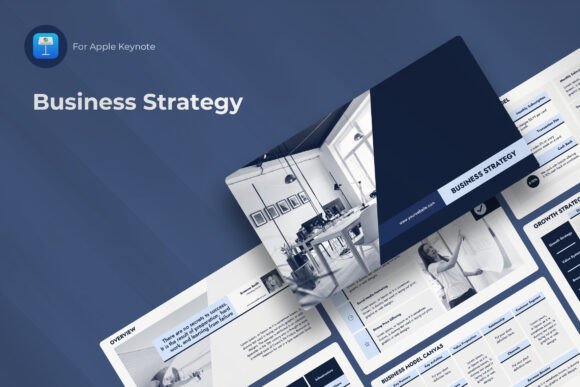
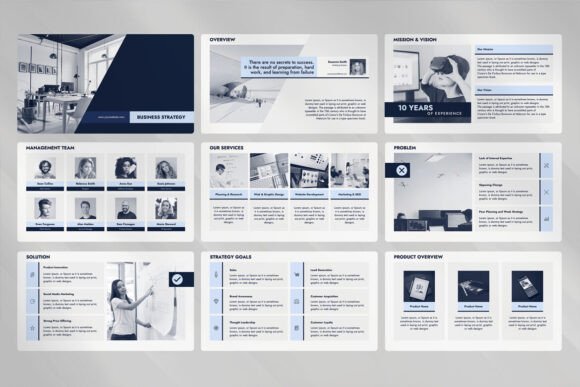
Strategy doesn’t have to be a “snooze-fest” of dry text and cluttered charts. I’ve added this Business Strategy kit to my personal favorites because it’s a tactical powerhouse that makes even the most complex action plans look effortless. It’s the ultimate Keynote Presentation Template for when you need to walk a room through your SWOT analysis, PESTLE breakdowns, or a full Business Model Canvas without losing their attention halfway through the second slide.
Technically, this Keynote Presentation Template is as versatile as they come. It’s built in a crisp 1920×1080 resolution and actually comes with three pre-made color themes—Blue, Green, and Peach—so you can match your brand’s vibe instantly. I’ve ensured it includes all the ready-to-use topics you’ll ever need, from mission statements to revenue models and growth frameworks. It’s a sophisticated shortcut that helps you look like you spent weeks on your deck, even if you only started it this morning.
8. Business Marketing Keynote Presentation Template

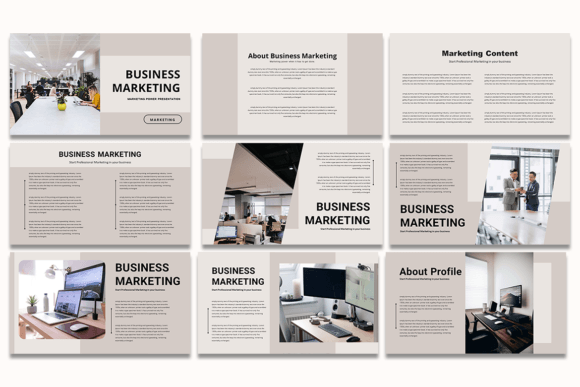
When it comes to marketing, your deck is essentially your silent salesperson. I’ve added this Business Marketing set to my library because it’s a powerhouse Keynote Presentation Template that perfectly balances a clean corporate feel with modern creative flair. It’s my go-to recommendation for those who need to present complex marketing strategies without losing the room to static, uninspired layouts.
Technically, this Keynote Presentation Template is as user-friendly as it gets, offering 20 unique slides in a crisp 16:9 ratio. It’s built for high-speed workflows, using drag-and-drop image placeholders and fully editable elements that let you pivot your branding in seconds. Since it utilizes free fonts, you can jump straight into the editing process and ensure your marketing plan looks like a high-end agency production from the very first slide.
9. Welirang Keynote Presentation Template
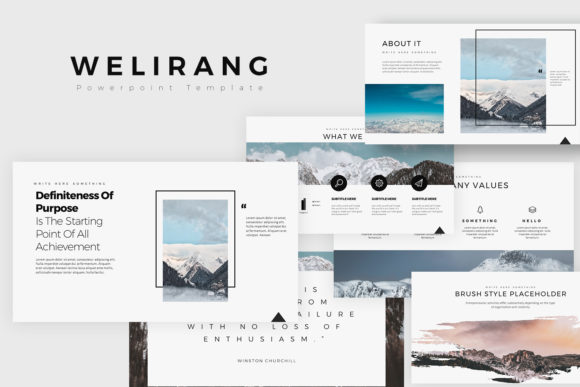
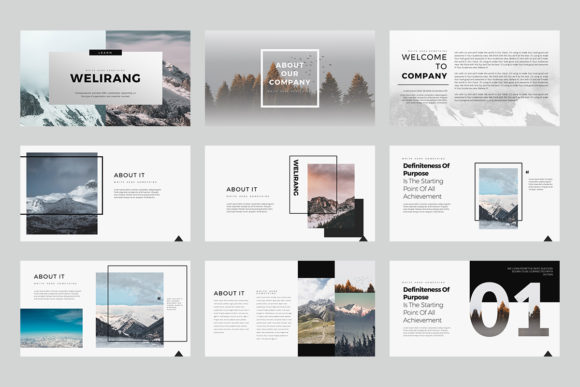
Sometimes you just need a layout that feels as expansive and fresh as a mountain range. I’ve added the Welirang set to my collection because it’s a truly versatile Keynote Presentation Template that effortlessly bridges the gap between creative storytelling and serious corporate data. What caught my eye was the sophisticated, airy aesthetic—it’s perfect for those projects that need to feel professional without being “stiff” or over-designed.
Technically, this Keynote Presentation Template is a complete dream for high-speed workflows. You’re getting 40 unique slides (80 total) with both light and dark background versions to suit any brand vibe or presentation environment. Everything is fully editable directly in Keynote—from the vector shapes to the charts, which are conveniently editable via Excel. With a standard 16:9 aspect ratio and easy-to-use image placeholders, this toolkit ensures you can go from a rough draft to a polished, high-end deck in record time.
10. Report Keynote Presentation Template
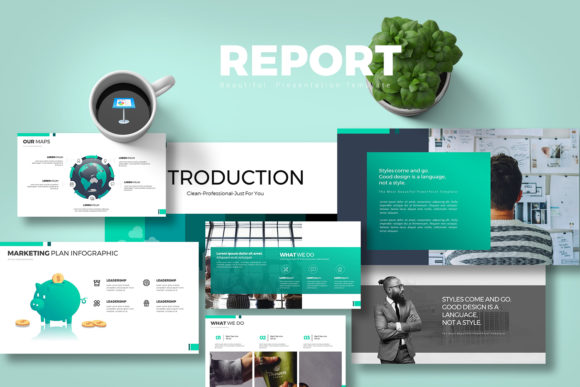
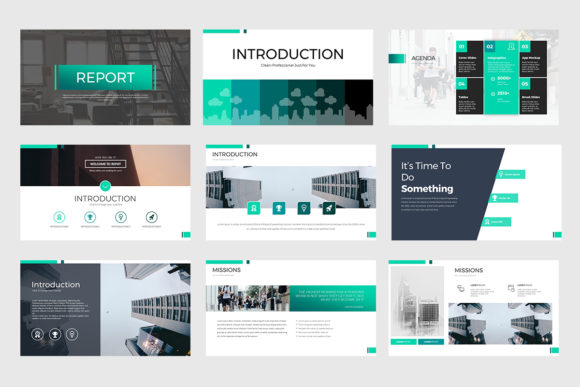
Let’s be honest: nobody wants to sit through a boring, text-heavy annual report. I’ve included this specific Keynote Presentation Template in my “multipurpose” favorites because it completely transforms the way we look at data-heavy decks. It has this vibrant, professional energy that makes financial results or marketing analytics actually look interesting. It’s the perfect choice when you need your report to function as a high-end brand asset rather than just a collection of numbers.
From a technical perspective, the value here is pretty staggering. This Keynote Presentation Template gives you a massive 400 slides total across 10 files, featuring 5 distinct color schemes in both light and dark modes. I love that the charts are fully editable through Excel and every vector icon is included, so you don’t have to go hunting for assets elsewhere. It’s a comprehensive, “one-stop-shop” toolkit that handles everything from creative portfolios to serious business reviews in a crisp 16:9 aspect ratio.
11. Medical Keynote Presentation Template
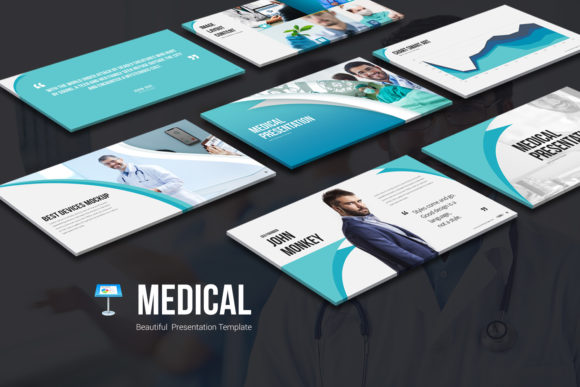
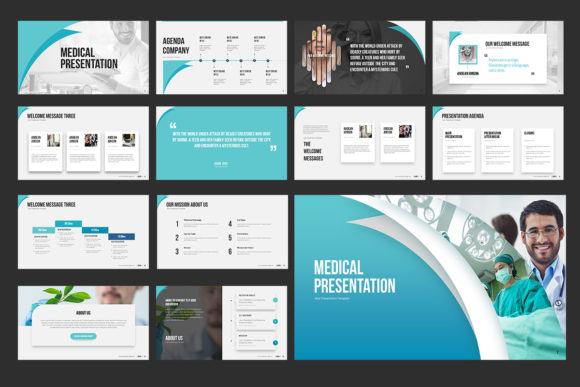
Designing for the healthcare sector requires a specific kind of balance—you need to look authoritative and trustworthy without feeling cold or sterile. I’ve included this Medical set because it’s a high-impact Keynote Presentation Template that uses soft curves and professional teal tones to keep the focus on clarity and patient care. Whether you’re presenting a new research paper or a clinic’s quarterly results, this layout ensures your data feels accessible and polished.
From a technical standpoint, the scale of this Keynote Presentation Template is frankly impressive. You’re getting a massive library of 800 slides total, spread across 10 files with 5 different color schemes in both light and dark modes. I love that the charts are fully editable through Excel and every element—from the medical icons to the shapes—is a vector that you can resize in a single click. It’s a comprehensive, “zero-stress” toolkit for anyone who needs to deliver complex information with absolute precision.
12. Mark Sale Keynote Presentation Template
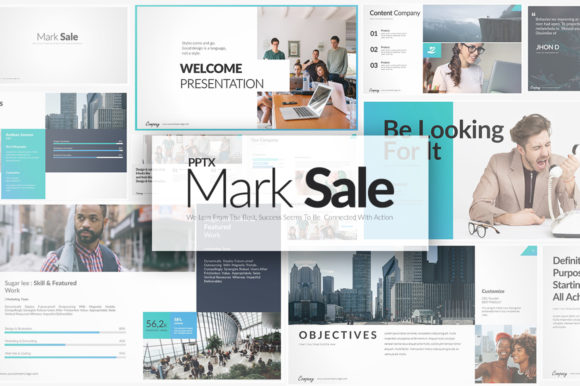
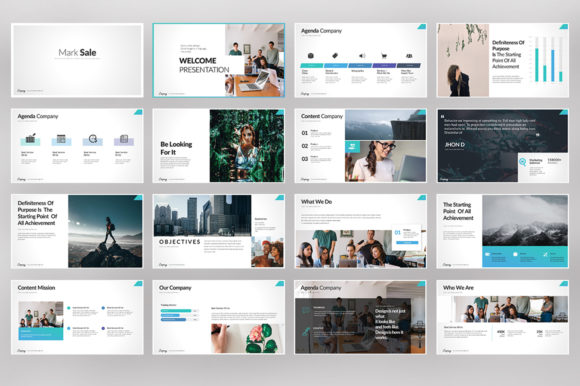
If you’re looking for a toolkit that covers every possible scenario—from a creative startup pitch to a high-stakes financial review—the “Mark Sale” set is a massive win. I’ve added this Keynote Presentation Template to my personal “essentials” list because it is one of the most comprehensive multipurpose assets I’ve come across. It strikes that perfect balance of sharp, bold typography and generous white space, making any brand look instantly more established and professional.
From a technical standpoint, the sheer scale of this Keynote Presentation Template is what makes it a standout. You’re getting a staggering 1,000 slides total across 10 different files, featuring 5 unique color schemes in both light and dark modes to match any brand identity. I really appreciate that all elements—from the 100 unique vector icons to the Excel-linked charts—are fully editable directly in Keynote. It’s a total time-saver with built-in image placeholders that allow you to focus on your sales pitch instead of wrestling with the layout.
13. Digital Infographic Keynote Presentation Template
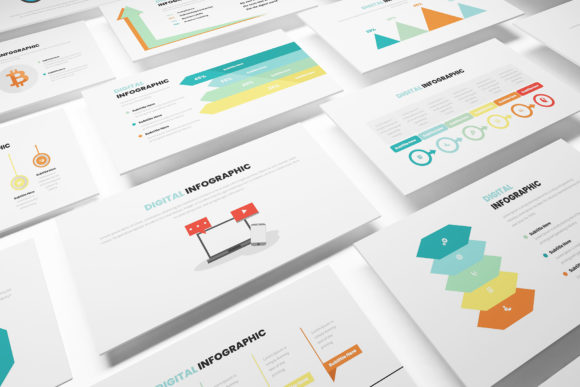
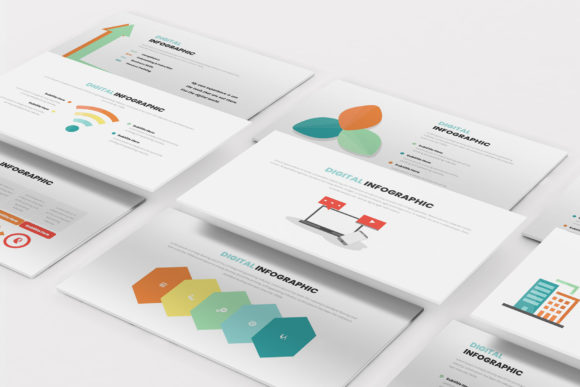
Let’s be real: staring at a raw spreadsheet is nobody’s idea of a good time. If you want your marketing data to actually stick, you need to turn those numbers into a story. I’ve added this “Digital Infographic” set to the blog because it’s a high-quality Keynote Presentation Template specifically designed to make complex market data look clean, simple, and—dare I say—beautiful. It’s a lifesaver for marketing proposals where you need to prove your point visually without overwhelming the room with clutter.
Technically, this Keynote Presentation Template is as “plug-and-play” as it gets. You’re getting 30 unique slides in crystal-clear Full HD (1920×1080), all featuring smooth animations and transitions that give your deck a professional, high-end flow. The best part? You can simply copy and paste the specific infographic slides you need directly into your existing project. Since it uses only free fonts and comes with a handy help guide, you can spend less time wrestling with formatting and more time actually closing the deal.
14. Construction Keynote Presentation Template

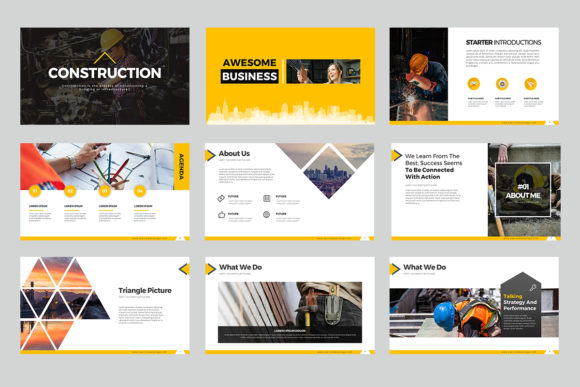
Every high-stakes project needs a rock-solid foundation, and in the world of industrial design, your pitch deck is no exception. I’ve added this “Construction” set to my personal toolkit because it perfectly captures that heavy-duty, high-visibility aesthetic using bold yellows and deep blacks. It’s an ideal Keynote Presentation Template for anyone looking to showcase a project roadmap, a new development plan, or a corporate profile that feels as sturdy and professional as the buildings you create.
Technically, this Keynote Presentation Template is a massive resource, offering 40 unique slides that expand into a total library of 400 slides across 10 files. I love that it includes 5 different color schemes in both light and dark modes, giving you the flexibility to match your branding in seconds. Everything—from the vector icons to the charts that sync with Excel—is fully editable directly in Keynote, meaning you can focus on your “boots on the ground” strategy while the layout handles the heavy lifting for you.
Conclusion
At the end of the day, your ideas are only as powerful as your ability to communicate them. Choosing a professional Keynote Presentation Template is about more than just “looking good”—it’s about removing the friction between your strategy and your audience’s understanding. I hope these 14 hand-picked resources give you the unfair advantage you need to stop wrestling with pixels and start winning over clients. Now, pick your favorite and go build something unforgettable!
Recommended:
12 Elite Minimalist Presentation Templates to Master Your Next Big Pitch