Top 10 Exclusive Bakery Menu Template Designs to Fresh Up Your Branding in 2026
Your menu is the silent ambassador of your bakery, setting the stage for every delicious bite. Finding the perfect Bakery Menu Template is essential for creating a professional, appetizing look that resonates with your customers and turns a simple visit into a memorable culinary experience.
1. Editable Bakery Menu Template
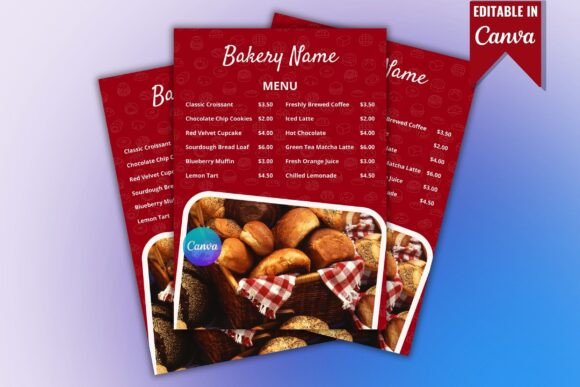
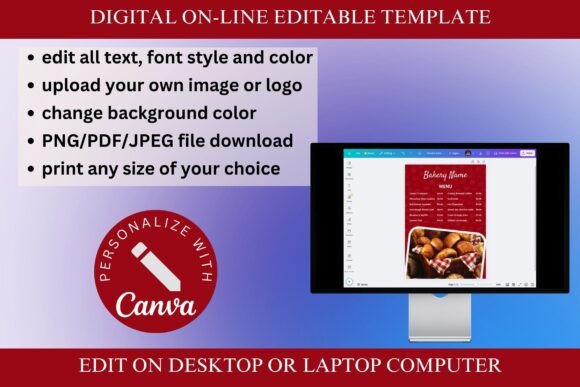
As a designer, I’ve always believed that customers eat with their eyes first, which is why I’m so excited to share this Bakery Menu Template. I created this specifically for those of you running cozy cafes or dessert shops who need a professional look without the high cost of a custom agency. This modern and elegant design is hosted entirely in Canva, meaning you get a fully customizable experience to match your unique branding. Whether you’re a total beginner or just short on time, the user-friendly interface allows you to swap out colors, fonts, and styles effortlessly to make it your own.
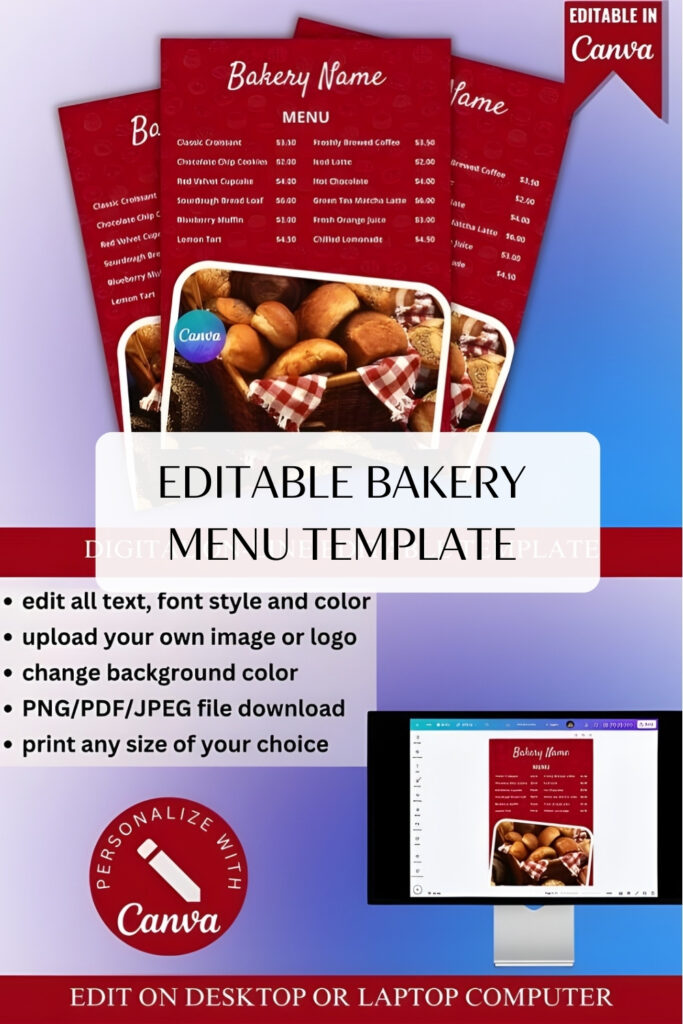
What makes this Bakery Menu Template such a staple for any creative kitchen is its sheer versatility. It’s not just a digital product; it’s a high-resolution printable PDF that you can get into your customers’ hands immediately after an instant download. I’ve made sure to include free Canva elements so you aren’t hit with any surprise costs while editing. From daily specials to a full artisanal spread, this layout is designed to grow with your business—giving you a polished, professional menu that looks as good as your pastries taste.
2. Bakery Menu Template
Bakery Menu Template
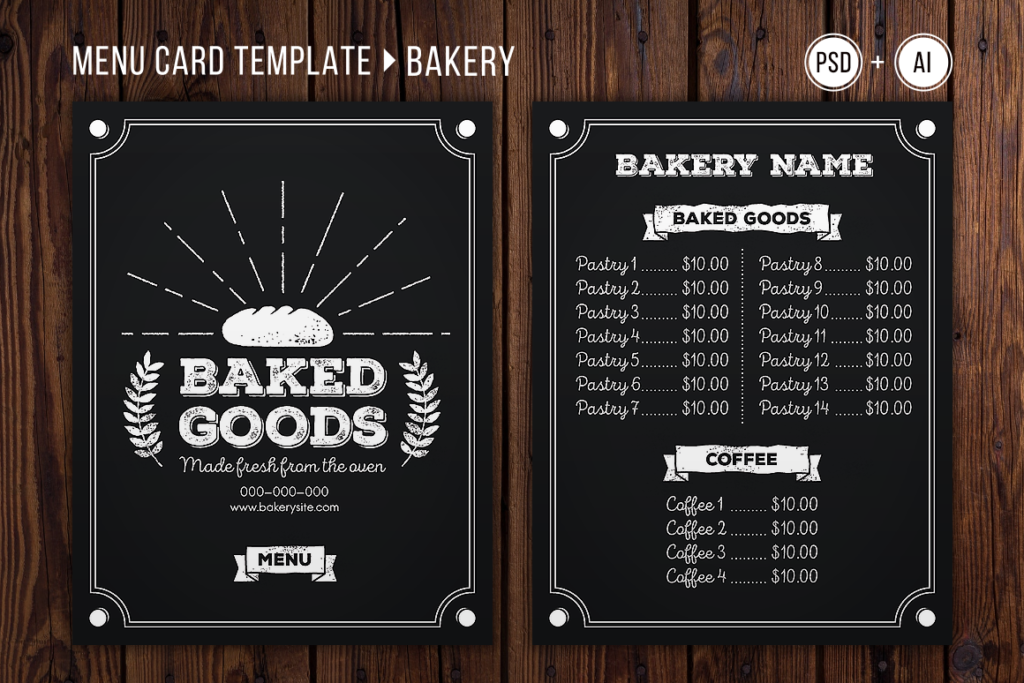
In my personal design practice, I’ve found that the best menus don’t just list prices—they set the mood for the entire dining experience. That is why I kept this Bakery Menu Template intentionally clean and simple; I wanted to ensure that your artisanal loaves and delicate pastries remain the stars of the show. I’ve built this specifically for local bakeries that need a professional, “fresh-out-of-the-oven” look without the clutter. By focusing on a minimalist aesthetic, your customers can find exactly what they’re looking for while enjoying a layout that feels as premium as your ingredients.
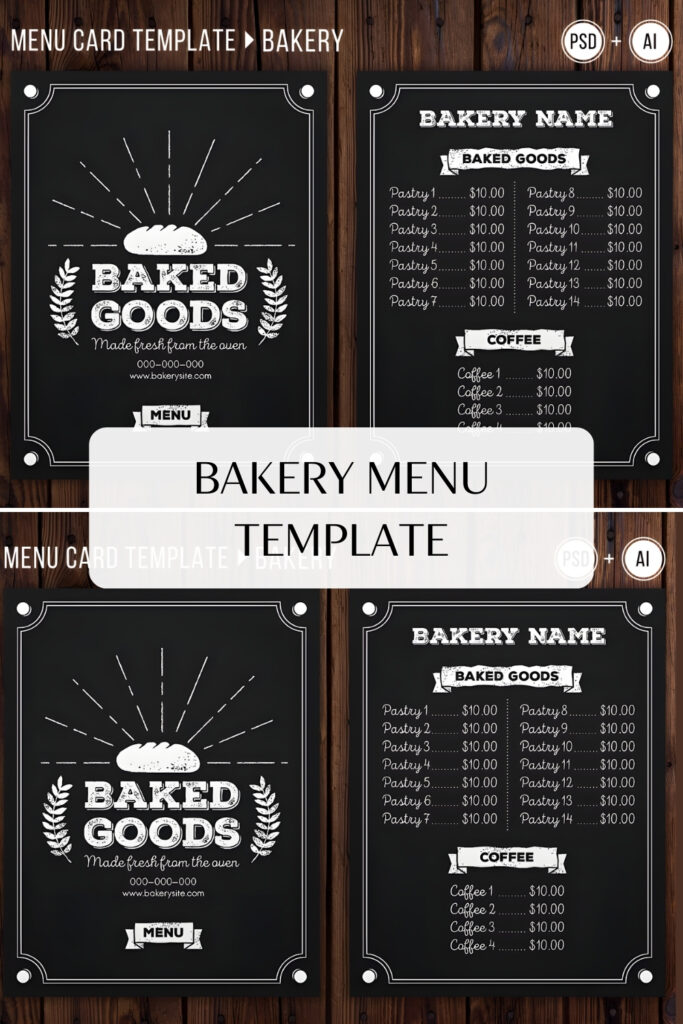
I truly believe that branding should be accessible, so I’ve made this Bakery Menu Template incredibly fun and easy to edit. To give you total creative control, the download includes fully organized Adobe Illustrator and Photoshop files. Whether you prefer working with vectors or pixels, you can customize every detail to match your shop’s unique personality in just a few clicks. It’s a versatile toolkit designed to take the stress out of design, leaving you with more time to focus on what you do best—baking.
3. Bakery Menu Price List Template
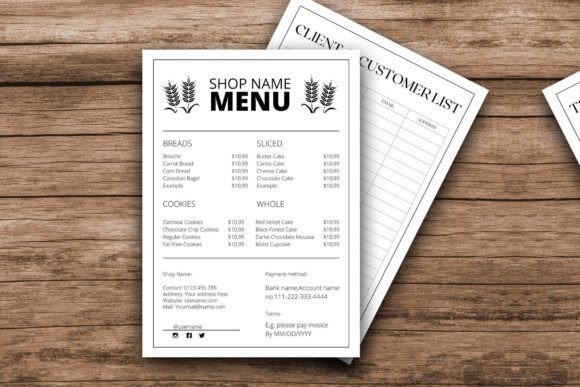
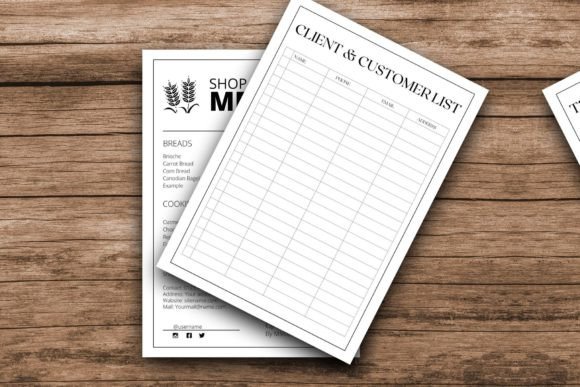
When I’m designing for local businesses, I always prioritize ease of use without sacrificing that high-end boutique feel, and this Bakery Menu Template is the perfect example of that balance. I’ve moved this entire workflow into Canva because I want you to spend your time perfecting your recipes, not struggling with complicated software or installing font files. This fully layered template is a dream for anyone with basic “drag-and-drop” skills—if you can move an element or resize an image, you can create a professional price list that looks like it came straight from a high-end design agency.
What I love most about this Bakery Menu Template is that it’s a living document you can use over and over again as your seasonal specials change. Right from your browser, you can edit the text, swap out colors to match your brand, and upload your own mouth-watering photography or logos. Every element is flexible; you can rotate, scale, or even remove pieces until the layout feels exactly right for your shop. Once you’re done, you have a beautiful, professional workbook ready to share with the world, ensuring your pricing is as clear and appetizing as your pastries.
4. Cake Bakery – Menu Template
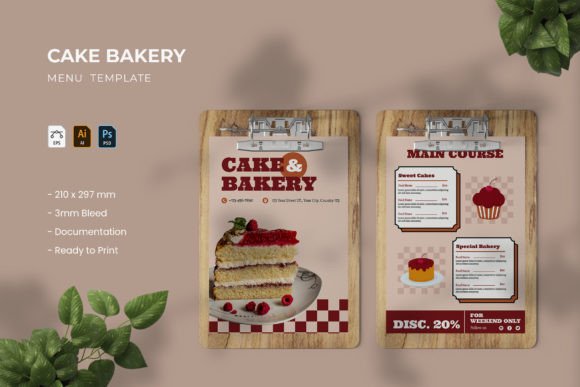
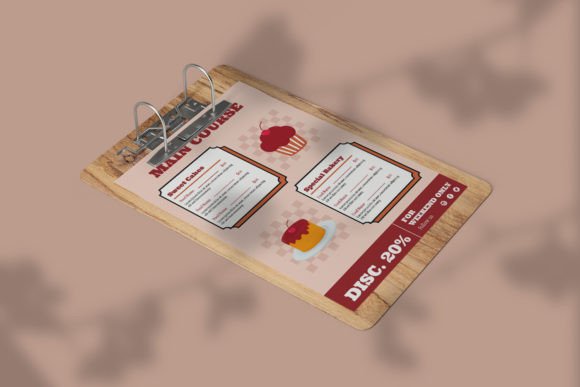
In my experience, a cluttered menu is the fastest way to lose a customer’s attention, which is why I’m so passionate about the “less is more” philosophy behind this Bakery Menu Template. I designed this two-page professional layout specifically to solve the problem of choice overload; by limiting distracting design elements, we make it incredibly easy for your customers to scan and order their favorite treats. It features a clean, stylish, and modern layout that brings a sense of calm and organization to your food-related business, ensuring that your cakes remain the undeniable stars of the show.
What makes this Bakery Menu Template a staple in my design toolkit is its absolute technical reliability. I’ve included high-resolution (300 DPI) AI, EPS, and PSD files in a standard 8.2 x 11.7-inch size, so whether you’re a Photoshop pro or an Illustrator enthusiast, you’ll find the well-organized layers a joy to work with. The files are fully editable and arrive print-ready in CMYK color mode, complete with documentation and free font links to get you started immediately. It’s more than just a menu—it’s a sophisticated tool designed to streamline the ordering process and elevate your bakery’s professional image.
5. Bakery – Food Menu Template
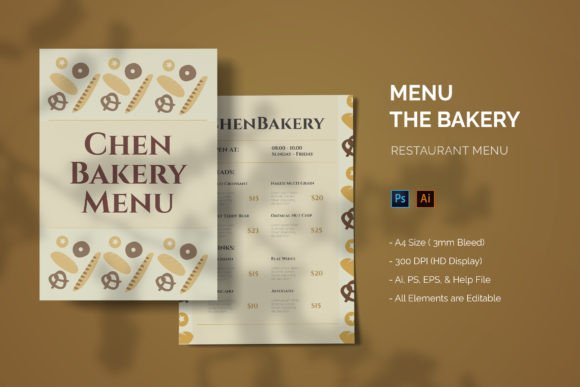
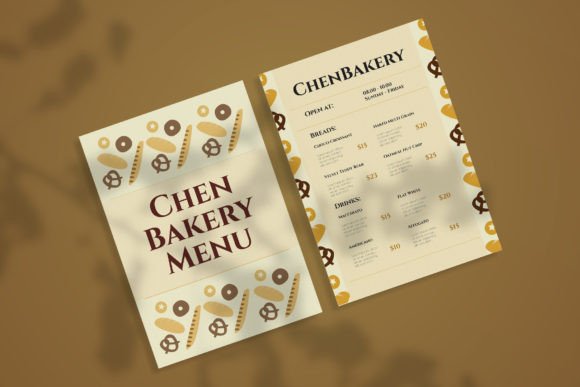
When I’m designing for the hospitality world, I always aim for that perfect blend of elegance and functionality, which is exactly the vibe of this Bakery Menu Template. I created this two-page layout to be incredibly versatile—while it’s a dream for artisanal bakeries, its sophisticated aesthetic works just as beautifully for high-end cafes, hotels, or even boutique resort shops. My goal was to make a menu that doesn’t just list items but actually piques customer interest through a clean, professional presentation.
Technically, I’ve built this Bakery Menu Template to be as “designer-friendly” as possible. You’ll find fully organized layers in AI, EPS, and PSD formats, so you can work in whichever software you’re most comfortable with. The files are set to a standard A4 size with a 3mm bleed and are completely print-ready at CMYK 300 DPI. Whether you’re updating seasonal promos or refreshing your entire brand look, the customization is effortless. Just a quick heads-up: while the preview images aren’t included in the download, the well-structured help file will guide you through the editing process in no time.
6. Bakery Menu Template
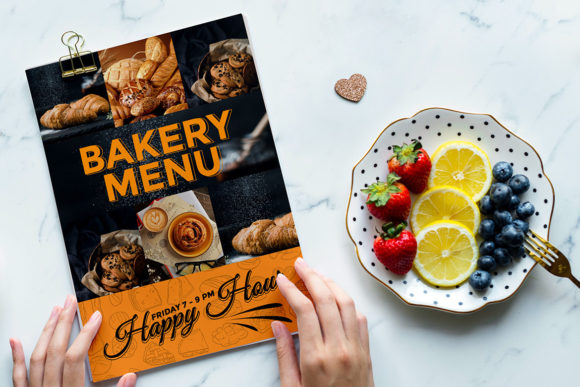
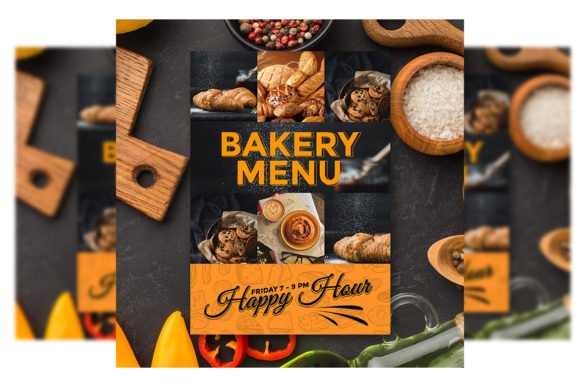
In my personal design studio, I’m a firm believer that a menu should be just as enticing as the food it describes, and that is exactly why I’ve built this specific Bakery Menu Template. I wanted to create a double-sided flyer that gives you ample room to showcase your signature treats on one side and your full price list on the other. It’s my go-to recommendation for bakery owners who want a professional, “street-ready” look that can be handed out as a flyer or tucked into a bag. Everything is perfectly measured at 8.3×11.7 inches, including all the necessary bleeds and guidelines, so you won’t have any nasty surprises when you get your files back from the printer.
What makes this Bakery Menu Template so satisfying to work with is how I’ve structured the “guts” of the PSD file. I’ve spent time organizing the layers into logical groups, so you aren’t hunting for that one specific text box for ten minutes. You can swap out your product photos via smart objects in seconds, and tweaking the colors to match your brand’s palette is as easy as a few clicks. The file is set to a crisp 300 DPI in CMYK mode, meaning it’s 100% ready for print the moment you finish editing. I’ve even included a link to the fonts in the zip file, so you can maintain that sleek, curated look effortlessly.
7. Christmas Bakery Menu Template
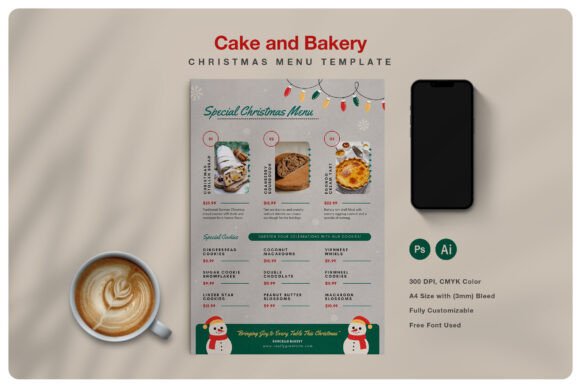
There is something truly magical about designing for the holidays, and I created this Bakery Menu Template to capture that festive spirit while keeping your workflow stress-free during the busiest season of the year. Whether you’re a pro in Photoshop or prefer the vector precision of Illustrator, this A4-sized premium design is built to be your holiday secret weapon. I’ve ensured the PSD files are clearly layered and well-organized, with separate layers for images, text, and backgrounds. This means you can swap in your seasonal specials and place your mouth-watering holiday treat photos via smart objects in just a few clicks, resulting in a professional and creative look that feels custom-made for your shop.
What I love about this particular Bakery Menu Template is how much creative control it gives you. The preview images might look blank at first, but that’s because I’ve made it incredibly simple to inject your brand’s personality into the layout using a custom color palette—I’ve even included a help file to guide you through the process. Since the design is multipurpose, it works just as well for a pop-up Christmas market as it does for a high-end restaurant’s dessert list. With high-resolution files in PSD, AI, and EPS formats and free fonts already integrated, you can go from “editing” to “print-ready” faster than a batch of gingerbread cookies can bake.
8. The Bakehaus Signature – Menu Template
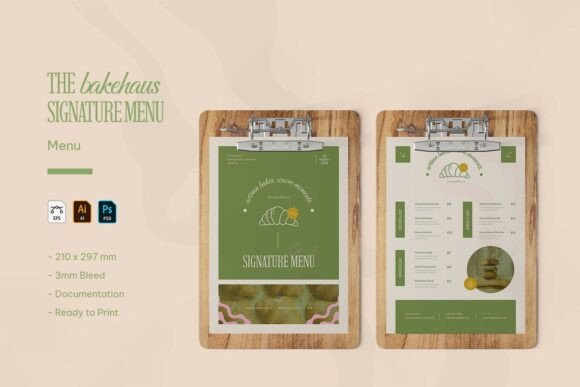
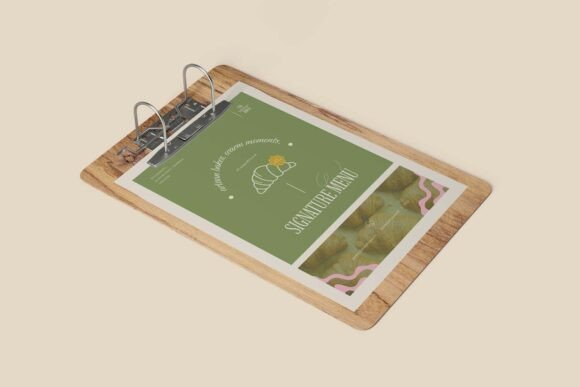
When I sat down to design the Bakehaus Signature set, I wanted to move away from rigid, corporate layouts and create something that actually feels like the smell of fresh sourdough. This Bakery Menu Template is my tribute to the artisan spirit, blending a warm, minimal aesthetic with organic elements that mirror a handcrafted baking style. It’s specifically tailored for patisseries and coffee shops that want their branding to radiate quality and “artisanal excellence” from the moment a customer picks up the menu. By focusing on a clean visual hierarchy and modern typography, I’ve made sure your signature croissants and loaves are presented with total clarity and charm.
From a technical perspective, I’ve built this Bakery Menu Template to be as seamless as possible for your daily operations. Whether you are a fan of Adobe Illustrator, Photoshop, or work with EPS files, I’ve included all three formats to give you total creative control. The files are set to a standard A4 size (210 × 297 mm) with a professional 3mm bleed, making them 100% print-ready. I’ve also layered everything meticulously, so you can easily tweak the stylish color palette or swap out text without a headache. It’s more than just a list of items; it’s a professional branding tool designed to capture the heart of your bakery.
9. Bakery Sweet Treats Price List Menu Template
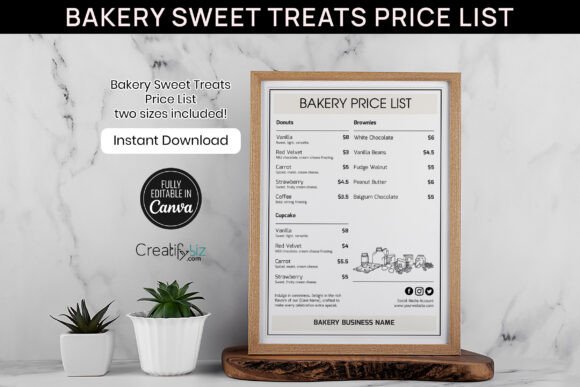
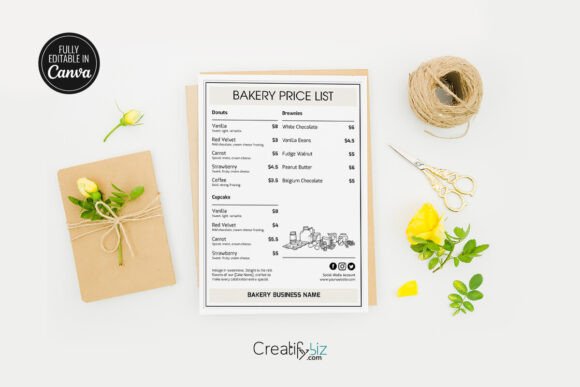
I truly believe that for home bakers and small business owners, your branding should be as sweet as your recipes, which is why I designed this Bakery Menu Template to be the ultimate creative playground. Whether you’re a cake designer or a DIY enthusiast, this Canva-based price list (Model F-48) is perfect for highlighting your signature treats with a charming, aesthetic layout. It’s built specifically for those who love the “crafty” side of business, doubling as a professional flyer or even a scrapbooking element. Since it works perfectly with a free Canva account, you can save hours of design time while ensuring your sweet treats are presented with the professional flair they deserve.
What makes this Bakery Menu Template so practical for daily use is its sheer flexibility and print-ready quality. I’ve provided it in both 5×7 and 8×10 sizes to suit everything from table-top displays to full-sized brochures. You have total control over the “DNA” of the design—you can swap fonts, adjust photo filters, and add or delete elements until it perfectly matches your brand’s voice. Since this is a digital solution, you get instant access to the files right after purchase, allowing you to update your prices or seasonal specials on the fly. It’s an easy, stylish way to make your bakery items shine without needing a degree in graphic design.
10. Bakery Restaurant Menu Template
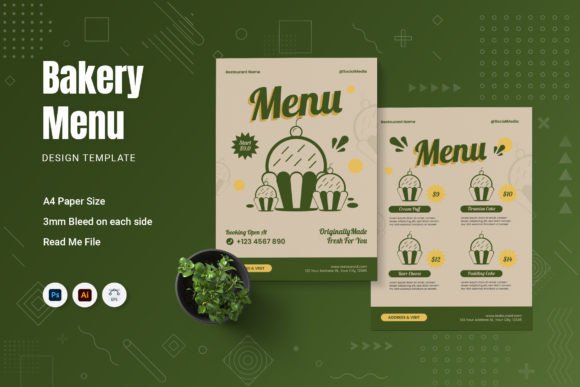
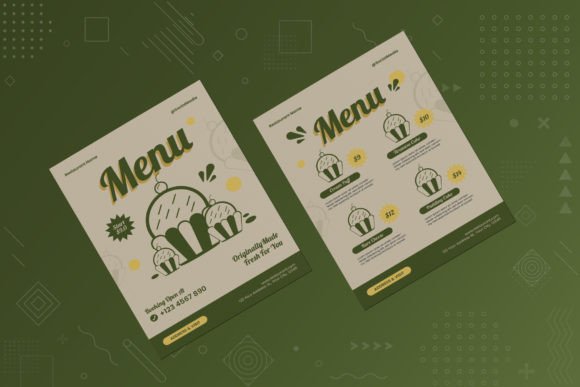
In my experience, moving away from bland, cookie-cutter designs is the first step toward building a memorable brand, which is why I’m so excited to feature this Bakery Menu Template. I designed this two-page professional layout to be a “choose your own adventure” for business owners—whether you lean toward a modern, minimalistic aesthetic or something more playful and unique. It’s not just a list of products; it’s a fully customizable canvas that allows you to add a personal touch to your website, social media, or physical storefront. My goal was to provide a professional foundation that takes your branding to the next level while keeping the editing process genuinely enjoyable.
What makes this Bakery Menu Template a standout in any designer’s toolkit is how flawlessly it handles the transition from digital screen to physical print. This A4-sized set comes with high-resolution, 300 DPI files in AI, EPS, and PSD formats, all perfectly organized with layers that make sense. I’ve streamlined the technical side so you can focus on the visuals: in Illustrator, you can easily use clipping masks for your photos, while in Photoshop, our “Replace” smart object layers handle the heavy lifting for you. With free fonts included and a comprehensive help file to guide you, you’ll have a print-ready, stylish menu that perfectly captures the essence of your bakery.
Conclusion
Choosing a high-quality Bakery Menu Template allows you to focus on your craft while ensuring your visual identity stays polished and consistent. These versatile, easy-to-edit designs are your secret ingredient for success. Download your favorite today and elevate your bakery’s professional charm!